Guild icon
ROBLOX Frontend Research
frontend / 2008
Avatar
Woman disrespecter 💀 1/26/2026 4:48 PM
@miimaker I posted this just incase (edited)
Avatar
https://web.archive.org/web/20080820105857/http://www.roblox.com/Upgrades/BuildersClub.aspx We are upgrading ROBLOX! Stay tuned... We'll be back online soon.
7:32 PM
2008 authed Edit Profile (edited)
7:33 PM
Upload.ashx 2008, this is just the place options thing that shows when you try to close studio on a saved place iirc, i assume this is 2008
7:33 PM
Upload.ashx replace 2008,
7:34 PM
Upload.ashx saved 2008
7:34 PM
Authed 2008 default.aspx
7:34 PM
2008 authed EditFriends
7:35 PM
Friend request Invite 2008
7:35 PM
2008 authed inbox, edited to have goodblox text
28.17 KB
7:36 PM
my profile page with no css 2008?
7:36 PM
authed 2008 item page + config and delete from my stuff
7:37 PM
no css inbox message
7:37 PM
my profile authed, edited to have goodblox branding
7:38 PM
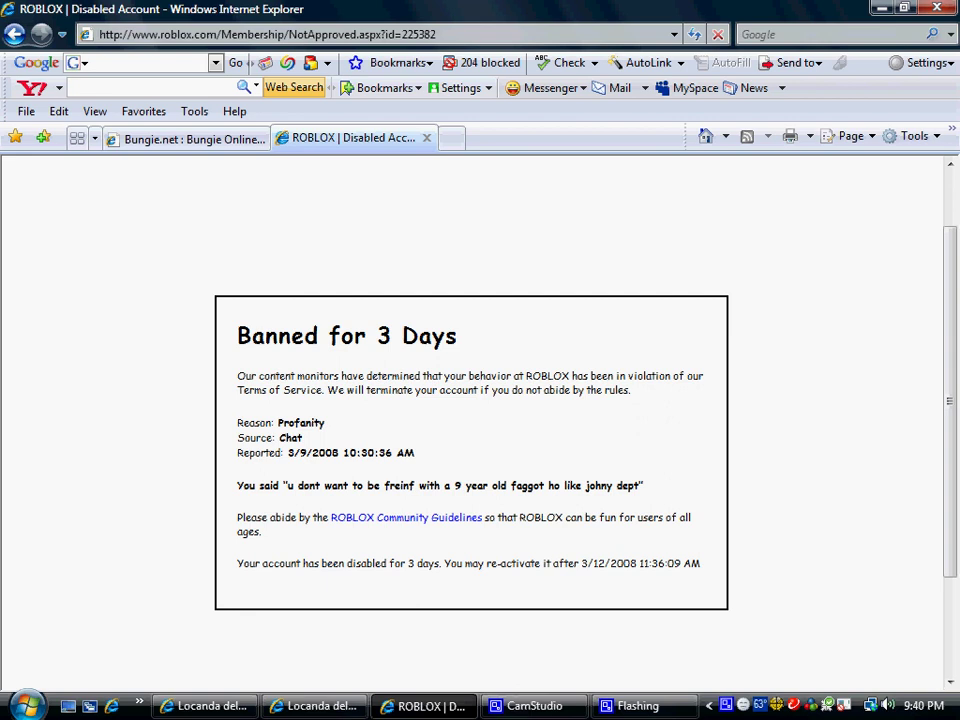
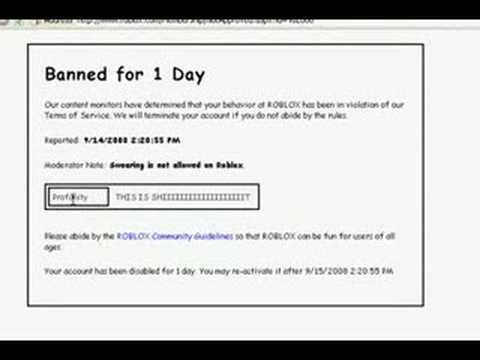
not approved 2008 authed
7:38 PM
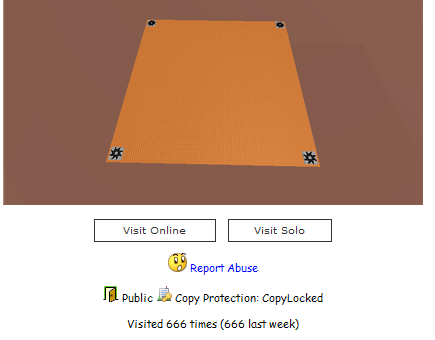
Configure place 2008 authed
12.78 KB
7:38 PM
account balance 2008, edited to have goodblox branding
7:38 PM
Friend request 2008 (edited)
7:39 PM
2008 authed builders club page + cancel membership box, was edited to have goodblox branding (edited)
7:40 PM
avatar page 2008, was edited to have goodblox branding (edited)
7:40 PM
Toolbox 2008 (edited)
Avatar
Avatar
Woman disrespecter 💀
@miimaker I posted this just incase (edited)
who in 2018 edited some of the cache pages to have goodblox branding bro
Avatar
https://web.archive.org/web/20080125133623/http://www.roblox.com/Error/Default.aspx?aspxerrorpath=/Forum/ShowForum.aspx 500 Server Error in '/' Application. Runtime Error Description: An application error occurred on the server. The current custom error settings for this application prevent the details of the application error from being viewed remotely (for security reasons). It could, however, be viewed by browsers running on the local server machine. Details: To enable the details of this specific error message to be viewable on remote machines, please create a <customErrors> tag within a "web.config" configuration file located in the root directory of the current web application. This <customErrors> tag should then have its "mode" attribute set to "Off".

7:47 PM
https://web.archive.org/web/20080812040635/http://www.roblox.com:80/Forum/User/UserProfile.aspx?UserName=roboblockzors We are upgrading ROBLOX! Stay tuned... We'll be back online in about 30 minutes.
Avatar
Woman disrespecter 💀 2/5/2026 1:37 PM
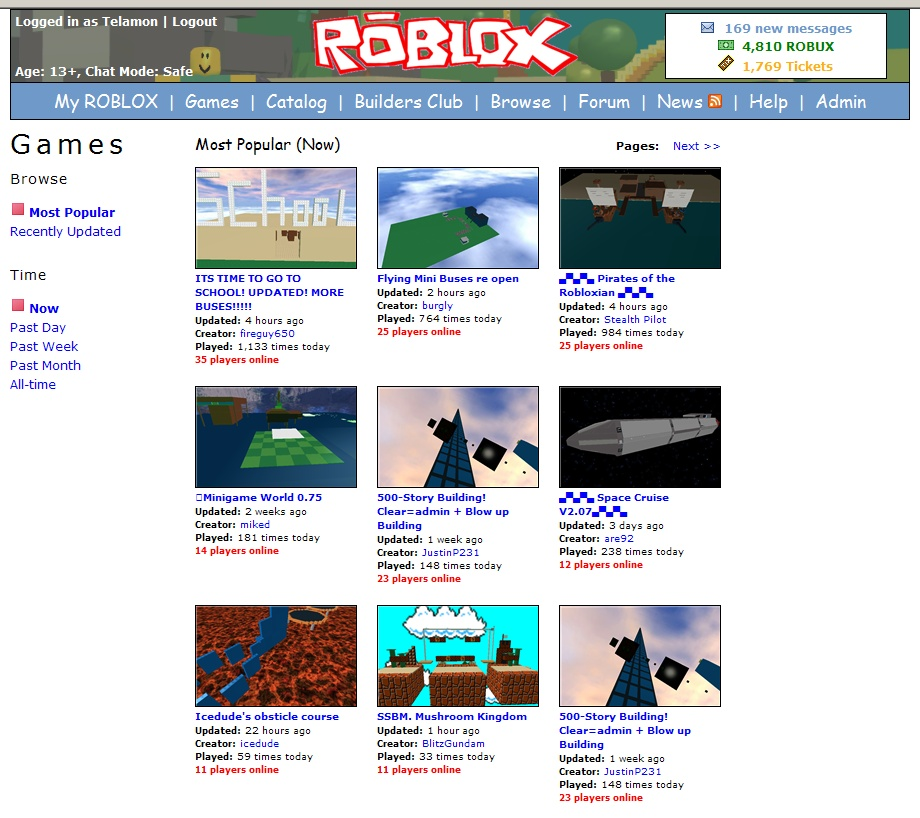
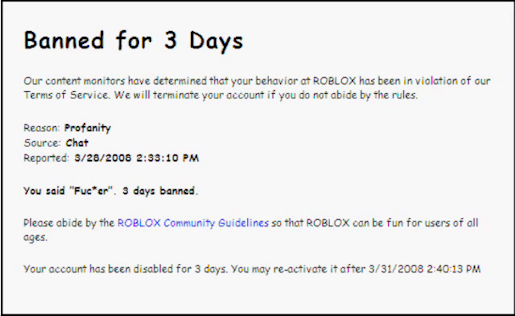
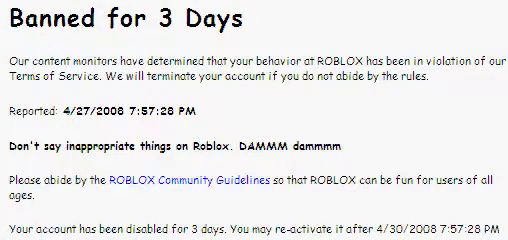
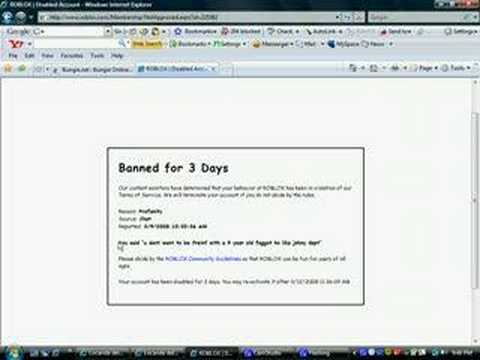
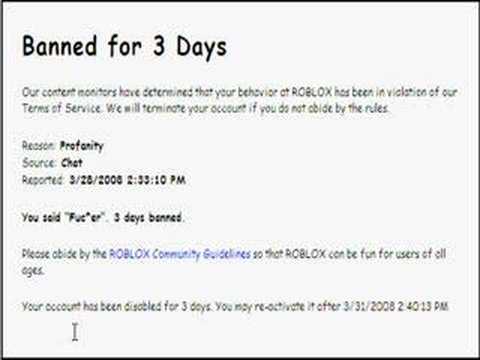
2008E banner screenshot, from Rchive (edited)
1:38 PM
2008E
1:38 PM
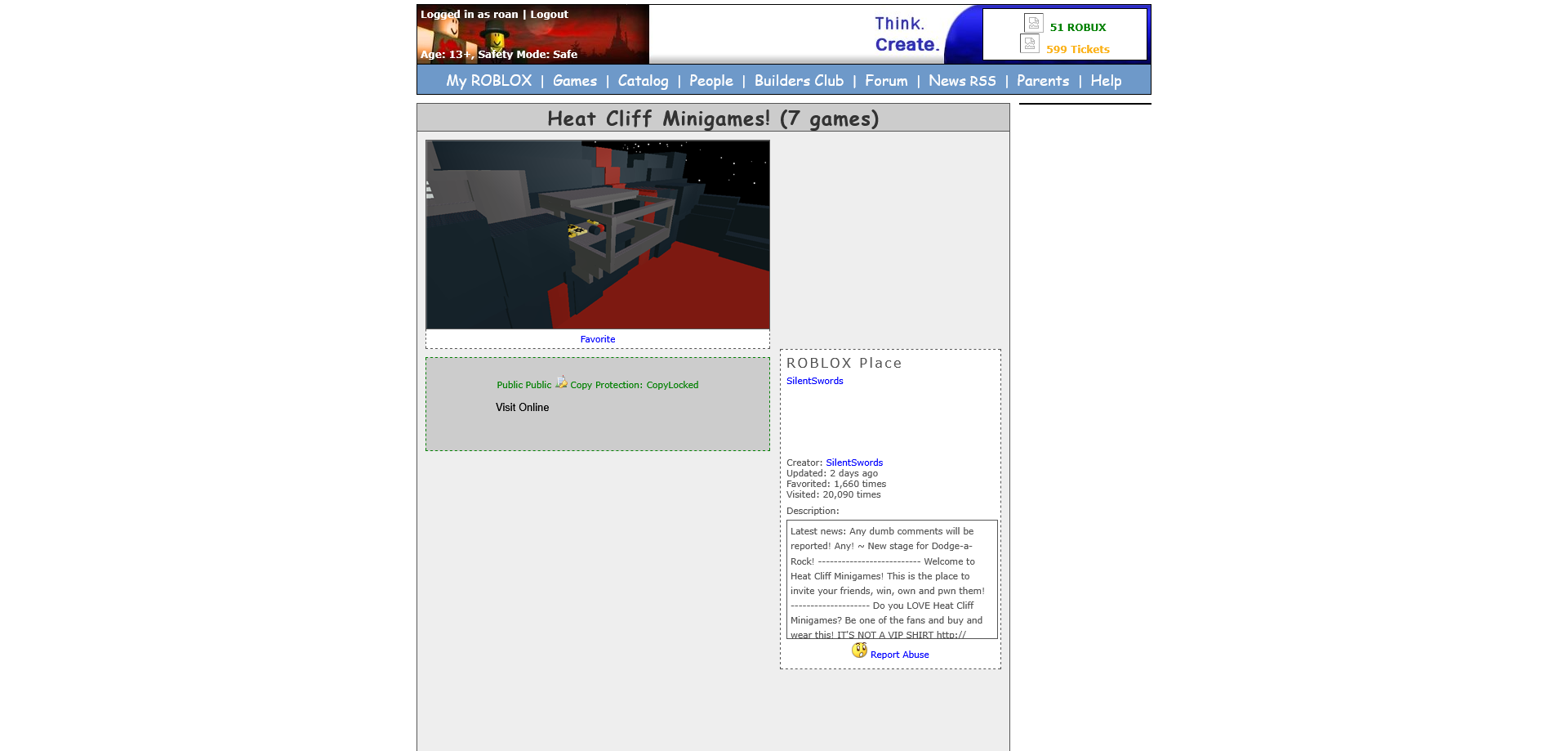
2008E
Exported 35 message(s)
Timezone: UTC-6